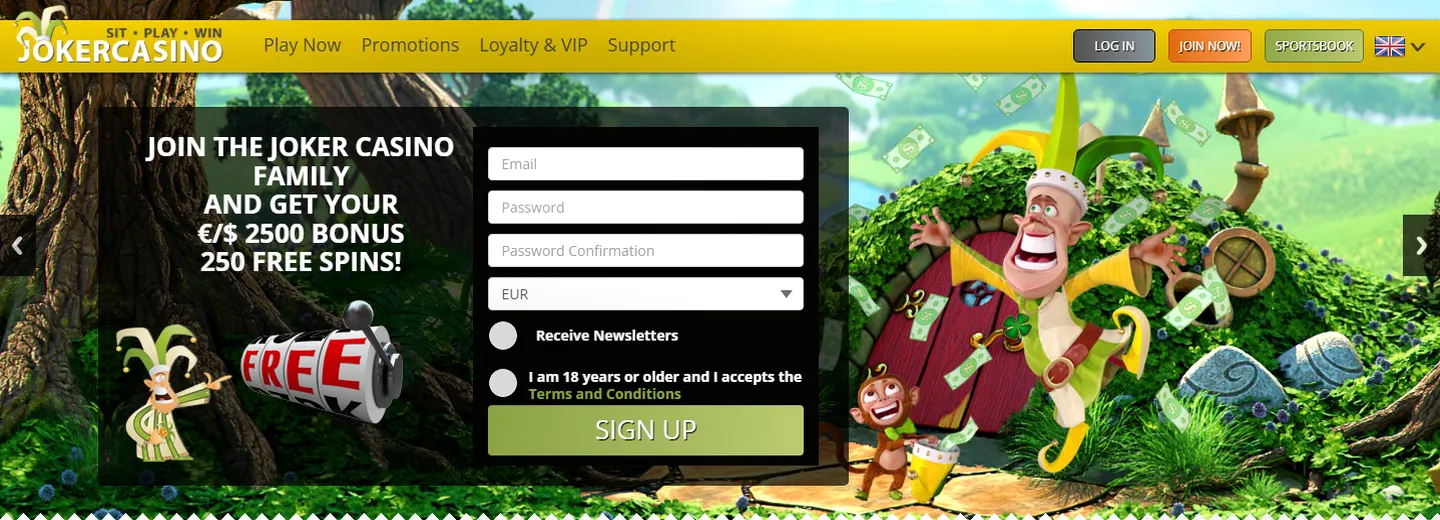
Log in to your Account
You can log in to Joker Casino via the website with your email address and password. Always use the official domain joker-casino.co.nl to protect your account against phishing attempts.
Joker Casino uses 128-bit SSL encryption to safely transmit your login details. Make sure the browser address bar displays 'https://' and check that no warnings appear before you log in.
- Always log in directly via joker-casino.co.nl
- Never use login links from unknown emails
- Check that your browser connection is secure (https)
- Log out after use, especially on shared computers
- Keep your password private and never share it
Forgot Password
If you have forgotten your password, you can reset it via the login page. Click 'Forgotten password' and enter the email address associated with your account.
Joker Casino will send you a password reset link. Check your inbox and also your spam folder. Follow the instructions in the email to set a new password. The link is usually valid for a limited time—set a new password quickly.
- Go to the Joker Casino login page
- Click 'Forgot password'
- Enter your email address
- Check your email for a password reset link
- Click the link and create a strong new password
- Log in with your new password
Account Locked or Blocked
If your account is blocked or locked, this can have various causes: multiple failed login attempts, verification problems or breach of terms.
Multiple failed login attempts may automatically secure your account. Wait a few minutes before trying again. Contact the support team if your account remains locked.
- Wait at least 15 minutes before logging in again after failed attempts
- Check that you're using the correct email address and password
- Check your browser settings (cookies enabled, cache cleared)
- Try logging in from a different browser window or incognito mode
- Contact the support team via live chat or email
Account security
Your account security matters. Joker Casino implements security through fraud detection software and account restrictions. You can also take steps to keep your account safe.
Set a strong password regularly that contains uppercase letters, lowercase letters, numbers and symbols. Never share your password with others, not even with support. Joker Casino will never ask you for your password.
- Use a unique password you don't use anywhere else
- Change your password regularly
- Enable cookies in your browser for account recognition
- Log out on shared computers
- Regularly check your account activity for unfamiliar login attempts
Verification and Identity Document
1.000, Joker Casino requires identity verification. This is a security measure to prevent fraud.
You must submit a valid identity document and proof of address. Joker Casino accepts passport, national ID card or driving licence. Verification can take up to 72 hours, though it is usually faster.
- Verification requires valid identity document (passport, ID card, driving licence)
- Address proof must not be older than 6 months
- Accepted formats: PDF, JPEG, PNG (maximum 2MB)
- Sensitive information (account numbers) can be removed
- Contact support if verification takes longer than 72 hours
No Working Mirrors or Alternatives
Joker Casino operates under licence from the Gaming Authority of Curaçao. No official 'mirrors' or alternative domains exist. Use only joker-casino.co.nl.
Websites claiming to offer alternative access are not verified and may be unsafe. Joker Casino does not authorise unofficial access methods. Report suspicious sites directly to the support team.
- The official domain is joker-casino.co.nl
- No alternative domains or 'mirror' sites are authorised
- Check URLs carefully before logging in
- Report suspicious sites to [email protected]
FAQ
How do I log in safely to Joker Casino?
Go to joker-casino.co.nl, enter your email address and password and make sure the connection starts with 'https://'. Check that no security warnings appear. Never share your password with others.
What should I do if I've forgotten my password?
Click 'Forgot Password' on the login page, enter your email address and follow the instructions in the recovery email. If you don't receive the email, check your spam folder. The recovery message is usually valid for a limited time.
Why is my account blocked?
Your account may be locked after multiple failed login attempts, verification issues or breach of terms. Wait at least 15 minutes and try again. Contact support via live chat or email if the problem persists.
What do I need to submit for verification?
For withdrawals above €1.000, Joker Casino requires a valid identity document (passport, ID card or driving licence) and address proof not older than 6 months. Upload these in PDF, JPEG or PNG format (max 2MB).
Are there alternative login websites for Joker Casino?
No, the only official domain is joker-casino.co.nl. Other sites offering alternative access are not verified and may be unsafe. Report suspicious sites to [email protected].