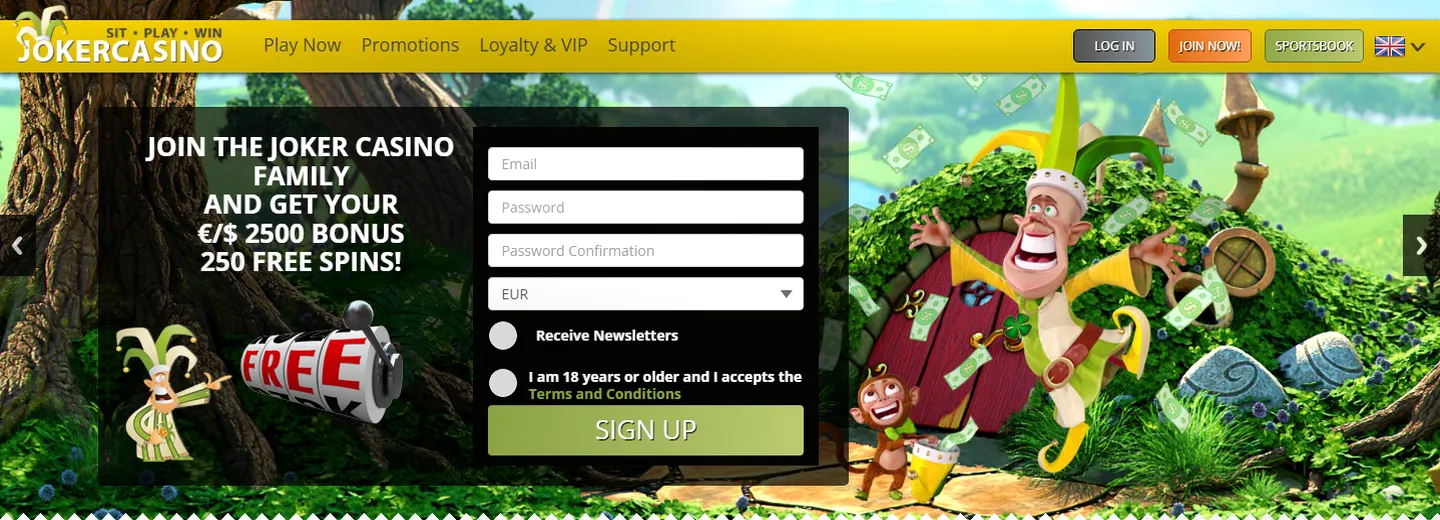
Web browser access on mobile
You can use Joker Casino fully via the mobile web browser on your smartphone or tablet. The casino platform is optimised for mobile browsers, so you can go directly to joker-casino.co.nl without apps or downloads.
Mobile browser access works on all modern browsers (Chrome, Safari, Firefox, Edge) and requires no additional software. You play in your browser with the same account, balance and progress as on desktop.
- Direct access without app download
- All game types available in your browser
- Same features as desktop version
- Automatic adjustments for screen size
- Live casino supported in browser
Limitations of browser access
Whilst web browser access is fully functional, there are some practical limitations compared to native apps. Certain games require Adobe Flash Player plug-in, which is usually not available on mobile browsers.
Browser-based gaming may feel less integrated than an app, as it won't sit directly on your home screen or send push notifications.
- Some games require Flash Player (not standard on mobile)
- No offline functionality
- No push notifications or app integration
- Depends on internet connection and browser performance
Native app and APK
Joker Casino does not offer an official native app for iOS or Android that can be downloaded via the Apple App Store or Google Play Store. There is also no APK file made directly available for download.
This means mobile gaming takes place solely via the web browser. This is a standard approach for many online casinos due to regulations and app store policies.
Safe mobile login
When you log into Joker Casino via your mobile browser, you follow the same security steps as on desktop. Always make sure you go directly to joker-casino.co.nl and not via unsafe links.
- Open your mobile web browser
- Go to joker-casino.co.nl
- Click 'Sign in' or 'Login'
- Enter your email address and password
- Complete any two-factor authentication if enabled
- You are now logged in and can play
Account recovery and access issues
If you've forgotten your password or can't access your account, you can recover your account via the same browser access. Click 'Forgot password?' and follow the instructions in the email you receive.
- Use 'Forgot Password?' on the login page
- Check your email inbox for reset link
- Create a new password
- Sign in again with your new password
Support and system requirements
For mobile browser access you only need a modern web browser and a stable internet connection. Joker Casino supports players in 7 languages, including Dutch, and offers 24/7 support via live chat and email.
- Modern web browser (Chrome, Safari, Firefox, Edge)
- Stable internet connection (WiFi or mobile)
- JavaScript enabled in browser settings
- Cookies and local storage enabled
- 24/7 live chat support available
FAQ
Can I use Joker Casino on my smartphone?
Yes, Joker Casino is fully accessible via your mobile web browser. Go to joker-casino.co.nl on your phone and log in. You can play all games and manage your account directly in your browser without downloading an app.
Is there a Joker Casino app for iOS or Android?
No, Joker Casino does not offer an official app via the Apple App Store or Google Play Store. You play via your mobile web browser. This gives you the same full features without the need to download a separate app.
Can I download an APK file?
No, Joker Casino does not provide an APK file for download. Mobile access is solely via the web browser. This is a standard approach at many online casinos.
Which browser should I use on my phone?
You can use any modern web browser, including Chrome, Safari, Firefox or Edge. Make sure JavaScript and cookies are enabled. For best results, go directly to joker-casino.co.nl.
Are there games that don't work in the mobile browser?
Most games work well in the mobile browser. However, certain games require Adobe Flash Player, which is usually not available on mobile browsers. These games are typically less actively used on mobile platforms.